
Welcome to Zoop
Zoop is the AI-first app that runs your field-service business — from first call to getting paid.
Zoop is built for solo contractors and small teams: plumbers, electricians, HVAC techs, landscapers, handymen. If you run a business from a truck, Zoop handles the paperwork so you can focus on the work.
This page gives you a quick map of how Zoop is laid out and where to start.
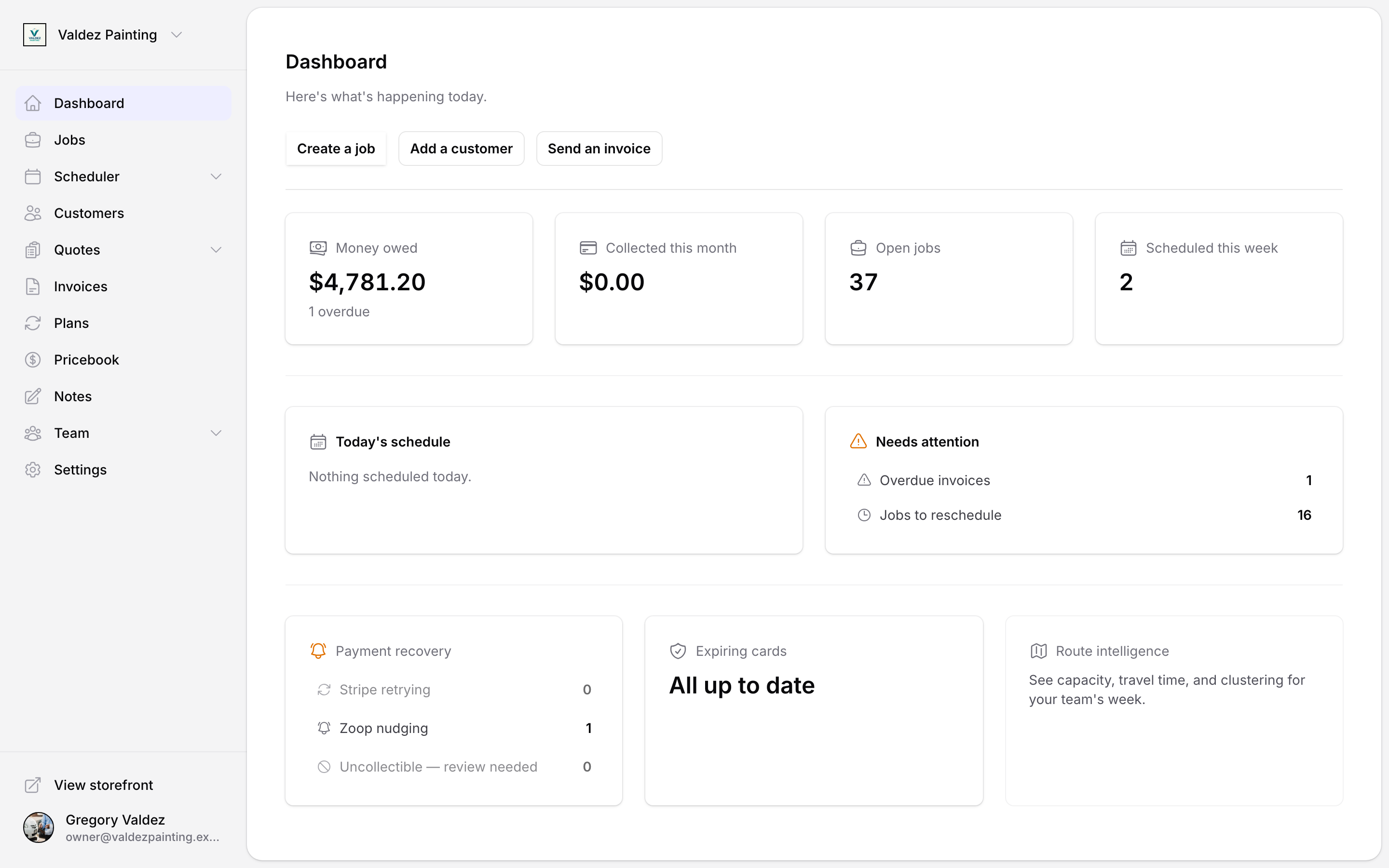
How Zoop is laid out
Every job follows the same five steps. The bold labels below match the sections in Zoop's left-hand menu — that's exactly where you'll go for each one.
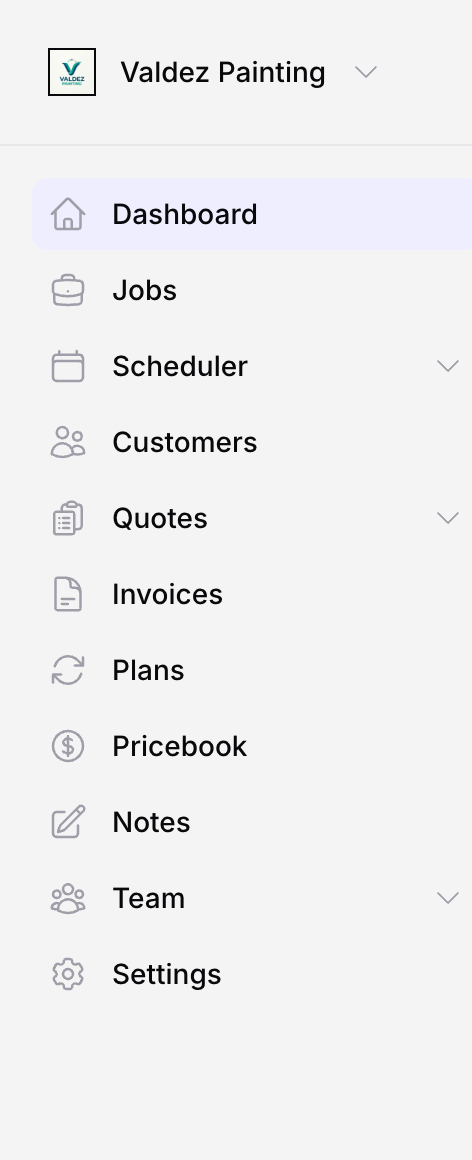
Customers — All your customer details, job history, and notes in one place. No more digging through texts and emails to remember what you quoted someone last spring.
Quotes — Send a professional quote from your phone in under two minutes. Your customer gets a link to approve it with one tap. When they approve it, Zoop converts it to a job automatically — nothing to copy over.
Jobs — Track every job from scheduled to complete. Assign it to a tech, log notes and photos on-site, and add parts and labor as you go.
Invoices — When the job is done, the invoice is already built from the job. Send it by SMS or email and your customer pays through a secure link. No chasing checks.
Payments — Money goes straight to your account. You can see what's come in, what's outstanding, and what's overdue at a glance.